Unfolding the future of retail: a first look at shopping on iPhone Duo
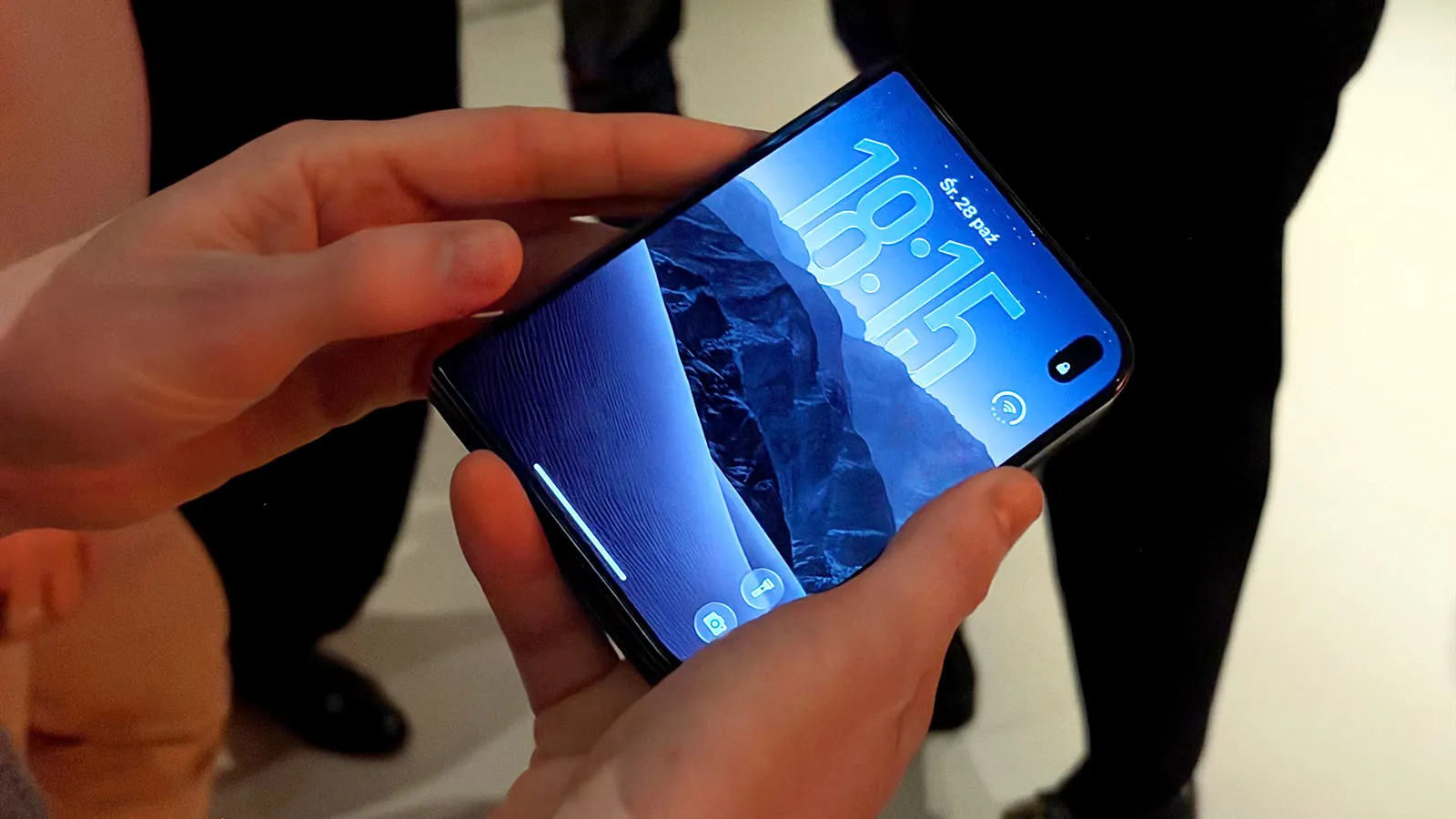
What does a shopping app look like when it’s designed for a phone that folds? Foldables have been around for years, but for many retailers the question was simply not a priority. Now that Apple has joined the conversation with iPhone Duo on sale since 23 October, retailers are finally taking notice.
For many retailers, the answer today isn’t flattering. Some apps don’t open on Duo at all, and those that do often have UX issues serious enough to make browsing and buying harder than on a standard phone. To add to the pressure, the clock is running: from April 2027, App Store submissions will need iPhone Duo screenshots, and only apps built with the iOS 27 SDK or later can be uploaded.
To give retailers a flavour of what to expect, we built one. At Unfolding the Future of Retail, an invite-only dinner for leaders from some of Poland’s biggest brands, we showed one of the first end-to-end retail prototypes designed for iPhone Duo.
Here’s what the prototype taught us about where app experience goes next.
Why Duo rewrites the design brief
Fortune Business Insights valued the foldables market at $36.43 billion in 2025 and expects it to reach $115.86 billion by 2034. Book-style fold devices like Duo already account for around 57% of it, and Europe makes up 24% of global sales.
Why do people buy them? Our qualitative research into UX sentiment points to three reasons:
What it means for app experience: designing for Duo is about building journeys around how foldable owners actually use their devices, often with two apps open, often switching between folded and unfolded, and with high expectations of quality.
Inside the prototype: a shopping journey built for Duo
The prototype follows a female customer shopping for an evening dress in a concept fashion app we designed for the occasion. We based the mockups on Apple’s iPhone Duo documentation and Apple Design Resources, and built the journey around three moments that matter in retail: discovering, comparing and buying.
Folded: it all starts with search
She begins on the outer screen, in a compact layout with controls at the edge. She opens search from the navigation icons and looks for a dress for the evening. Baymard Institute’s research shows intent-driven search converts better, and on a foldable it can get the shopper to the product even faster.
Unfolded: one product page, two panels
When she opens the phone, the home screen behaves like a tablet: the campaign banner on the left, a grid of new arrivals on the right. The product page splits the same way. Photos and video sit in the left pane; the description, sizes and buy button sit in the right, clear of the fold.
The extra space pays off in the detail. She pinches to zoom into the boat neckline, the belt and the maxi length, then plays the product video full screen. Baymard’s research links good zoom and detail shots to more confident product decisions.
The layout holds up when she half-folds the phone, too. Views adapt to the angle without losing any functionality.
Two apps, one journey
She wants a second opinion, so she messages a friend on WhatsApp with the product page still open beside it. Our qualitative research shows people compare products across apps. On Duo, they can do it without abandoning the journey.
Split view: from comparison to basket
With two product cards side by side, she compares the key attributes at a glance. She picks size S, adds the dress to her basket and taps through to checkout, all without leaving a split view.
Basket and checkout in a single view
This is where the extra screen does its most valuable work. The checkout form sits next to the order summary, with four delivery options and nine payment methods on one screen. She pays with Apple Pay in one tap, confirming with Touch ID.
It’s a direct answer to two of the biggest reasons shoppers give up. Around 70% of online baskets are abandoned; 17% of US shoppers who abandon an order blame a checkout that’s too long or complicated, and 19% didn’t trust the site with their card details. A shorter path, visible security information and a familiar wallet tackle both.
Beyond the open phone
Some of the prototype’s most interesting ideas appear when Duo stops behaving like a phone at all.
Stood on its edge in tent mode, Duo becomes something closer to a digital photo frame. A push notification arrives with a product image on the outer screen, and Ania can buy straight from it. For retailers, that’s a new kind of shop window with richer notifications and a better way to showcase a product.
Propped up like a laptop, the screen splits horizontally. The product video plays on the top half, while sizes and the basket stay within thumb reach on the bottom.It’s the closest thing yet to watching a fashion film while shopping for the outfits in it.
What it means for app experience: device postures open up journeys that don’t exist on a standard phone. They won’t all be day-one priorities, but brands that experiment early will be the ones setting expectations.
From prototype to roadmap
A prototype is only useful if it turns into decisions. We closed the evening with a roadmap that sorts Duo changes by urgency.
Three things can’t wait. Firstly, teams need to migrate to the Android 17 SDK and Xcode 27.1+. Side navigation should replace the bottom tab bar on the unfolded screen, keeping search, favourites, basket and account within thumb reach. Apps also need to support landscape orientation, so they work in any posture and alongside other apps.
Next come the small changes with an outsized effect: a tablet-style product grid, a home screen and product page split into two vertical panels, a sensible maximum width for other content, and split view support. Full-screen galleries, a checkout that keeps products visible on the left, and layouts that adapt to the on-screen keyboard are the nice-to-haves that turn a good experience into a great one.
How far to go is a business decision, and it should rest on evidence. Our recommended route has three steps: audit how your current app performs on Duo, choose the two or three shopping journeys with the most potential, then prototype and test them with real users.
What it means for app experience: results, not assumptions, should set the scale of your investment and its place on the roadmap.
The first prototypes are just the start
The first wave of Duo apps will mostly fit the screen. The ones that stand out will be designed for it. For retail leaders, the questions worth asking now are simple.
Does your app open and work properly on iPhone Duo today? Which of your journeys would gain most from a second pane? And will you be ready before Apple’s April 2027 deadline turns adaptation into a requirement?

Let’s build what’s next
We work with ambitious organisations to design, build, and scale digital products that solve real problems, improve customer experiences, and deliver measurable impact.